
Introducing Recreate: Create Any YouTube Thumbnail Style With Your Face Using AI
Learn how to recreate viral YouTube thumbnail styles with your own face using AI and improve your click-through rate with ThumblifyAI’s new Recreate feature.

@heyalizaid
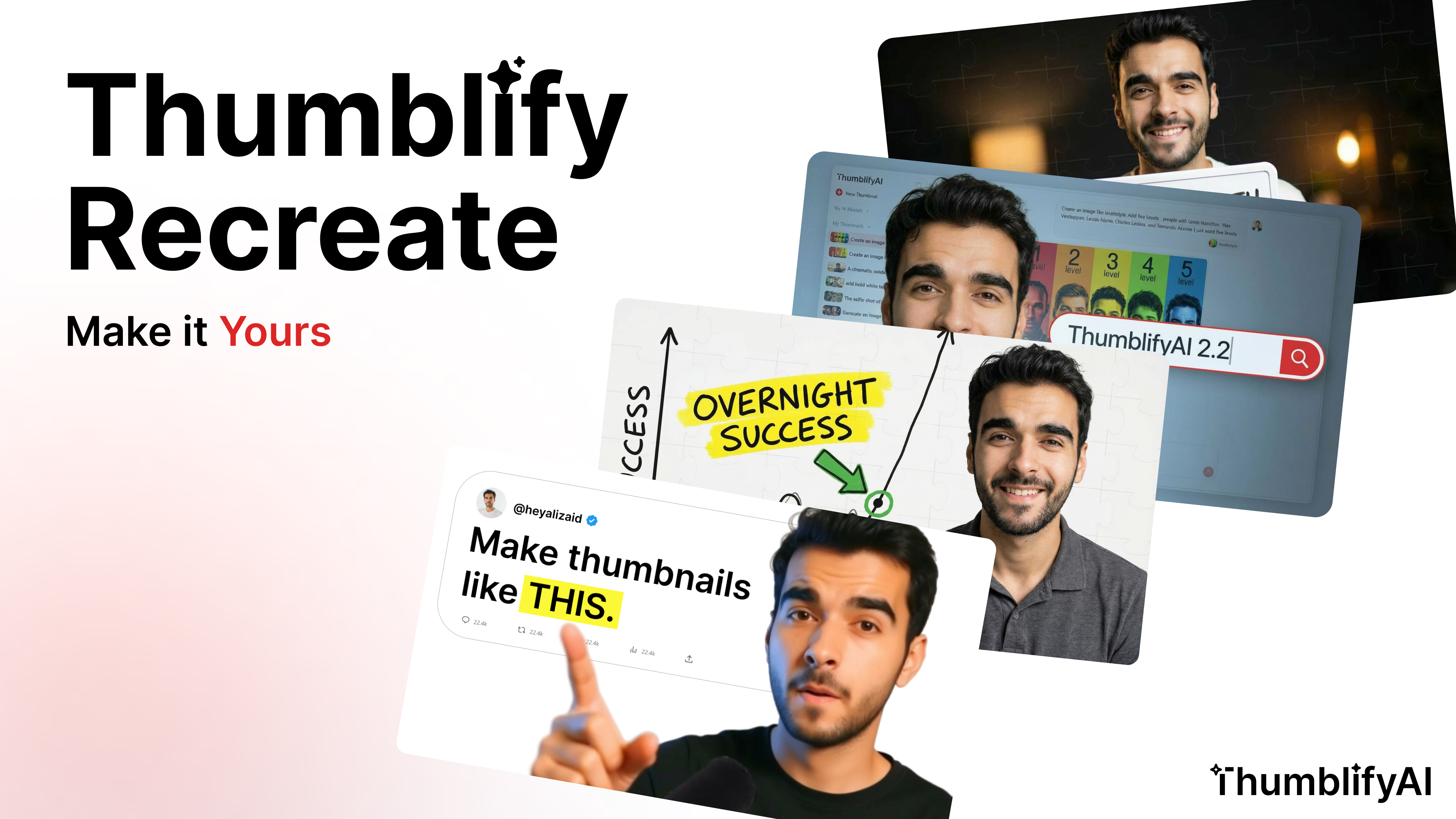
Create YouTube Thumbnails With Your Face Using AI
Getting clicks on YouTube is not about luck.
It is about thumbnails.
You can have the best video in the world.
If your thumbnail does not grab attention, your click-through rate drops.
And lower CTR means fewer views.
Most creators try to copy viral thumbnail styles manually.
They open Canva.
They open Photoshop.
They try to replicate layout, colors, text, and facial expression.
It takes hours.
And it still does not look right.
Now imagine this instead:
You see a thumbnail style you like.
You upload it.
And AI recreates that exact style — but with your face.
That is exactly what Recreate inside ThumblifyAI does.
What Is Recreate?
Recreate is a new feature that lets you:
- Upload any thumbnail style you want
- Use your own trained face AI model
- Generate the same style recreated with your face
- The layout
- The composition
- The color grading
- The visual hierarchy
- The emotional intensity
Why This Improves Your YouTube CTR
YouTube is competitive. High-performing thumbnails usually follow proven patterns:- Big facial expressions
- High contrast colors
- Clear focal points
- Bold readable text
- Proven thumbnail psychology
- AI-powered style recreation
- Your own face for authenticity
Who Is This For?
Recreate is perfect if you:- Want to create YouTube thumbnails with your face using AI
- Want to improve thumbnail CTR
- Want consistent branding across videos
- Want to recreate viral thumbnail styles legally and creatively
See It In Action
(Insert generated thumbnail examples here) Show:- Original reference thumbnail
- Your recreated version
- Side-by-side comparison