
How to Recreate Any YouTube Thumbnail Style With Your Face (Step-by-Step)
Step-by-step guide to recreating any YouTube thumbnail style with your face using AI. Learn how to use ThumblifyAI’s Recreate feature to improve CTR and create consistent, high-performing thumbnails.

@heyalizaid
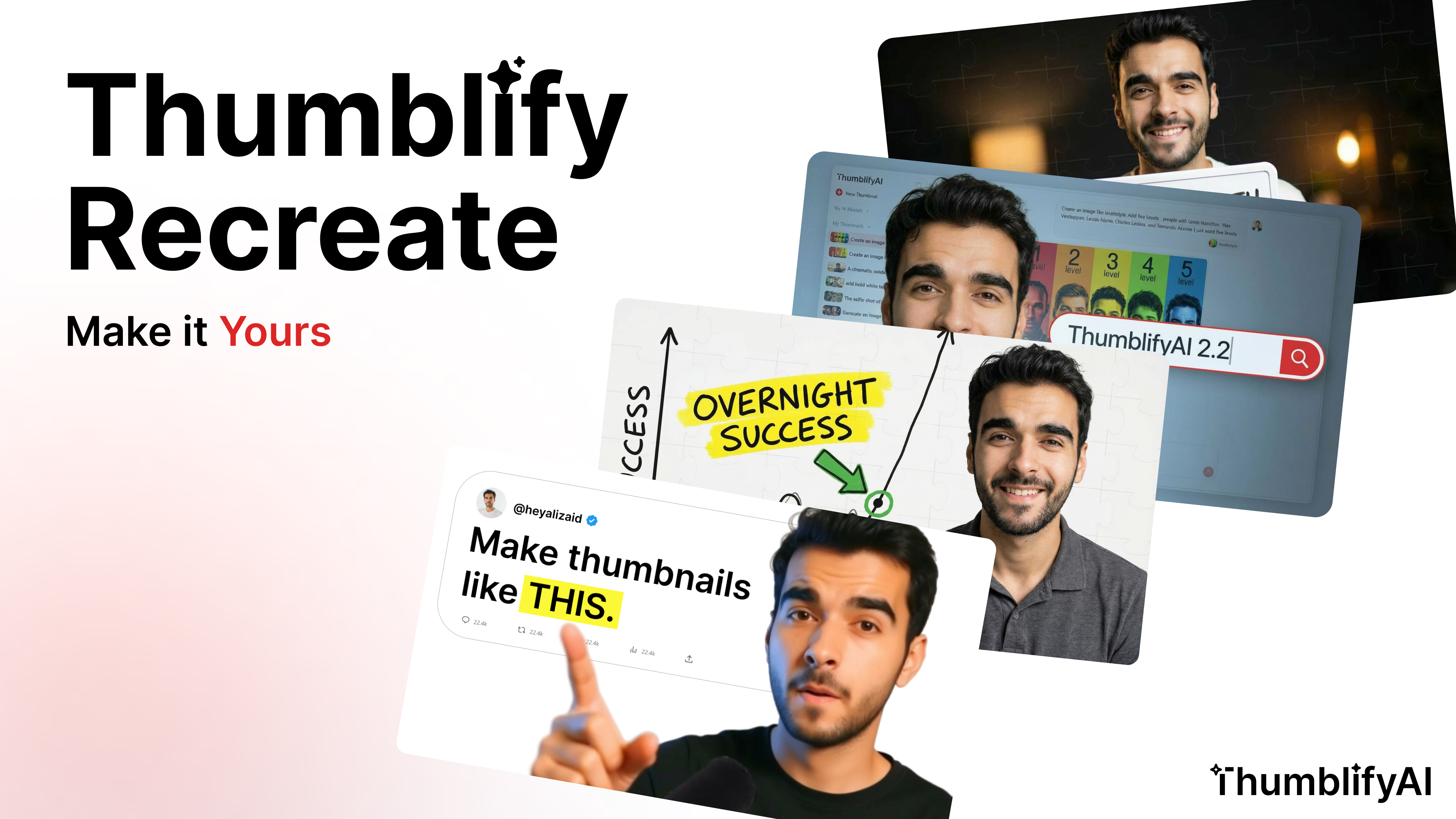
How to Recreate Any YouTube Thumbnail Style With Your Face
High-performing YouTube thumbnails follow patterns.
Strong facial expressions.
Clear visual hierarchy.
High contrast colors.
Bold readable text.
Instead of guessing what works, you can now recreate proven thumbnail styles with your own face using AI.
This step-by-step guide shows you exactly how to use ThumblifyAI’s Recreate feature to generate high-CTR thumbnails in minutes.
If you have not read the feature overview yet, start here:
Introducing Recreate: Create Any YouTube Thumbnail Style With Your Face Using AIStep 1: Open the Recreate Tool
Log in to ThumblifyAI and go to your tools dashboard.
Click on Recreate.
This feature allows you to upload any YouTube thumbnail style and regenerate it using your trained face AI model.
(Insert screenshot of Recreate card here)
Step 2: Select Your Trained Face AI Model
Before generating, make sure you have trained your face model.
If not:
- Go to Train AI
- Upload your face images
- Complete training
- Return to Recreate
- Select your trained model from “My AI”
Step 3: Upload the Thumbnail Style You Want to Recreate
Now upload a reference YouTube thumbnail. This can be:- A viral thumbnail in your niche
- A high-CTR competitor design
- A layout style you want to adapt
- Composition
- Layout structure
- Lighting and color grading
- Text positioning
- Emotional framing
Step 4: Add Your Prompt and Generate
Write a short prompt describing:- The topic of your video
- The emotion you want
- The headline text
- Any small adjustments
- Original reference thumbnail
- Your recreated result
- Side-by-side comparison
Why Recreating Thumbnail Styles Improves CTR
YouTube click-through rate depends heavily on thumbnail performance. When you recreate proven styles instead of designing randomly, you benefit from:- Established visual psychology
- Proven layout patterns
- Strong emotional triggers
- Brand consistency
Best Practices for Better Results
To maximize quality:- Choose clear, high-resolution reference thumbnails
- Pick styles that match your niche
- Use expressive face training images
- Keep text short and bold