SKETCH TO THUMBNAIL IS NOW AVAILABLE

ThumblifyAI
Sketch to Thumbnail

Turn your rough sketch into a professional thumbnail with AI. Upload or draw your sketch, add a prompt, and get a scroll‑stopping design in seconds.

Thumbnail Sketch Image
Sketch to Thumbnail Image

Create Thumbnails
From Sketches

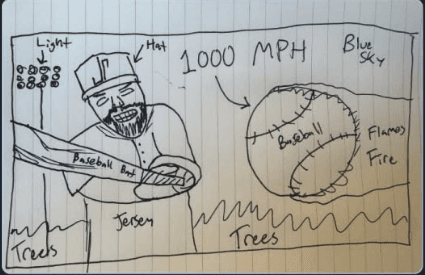
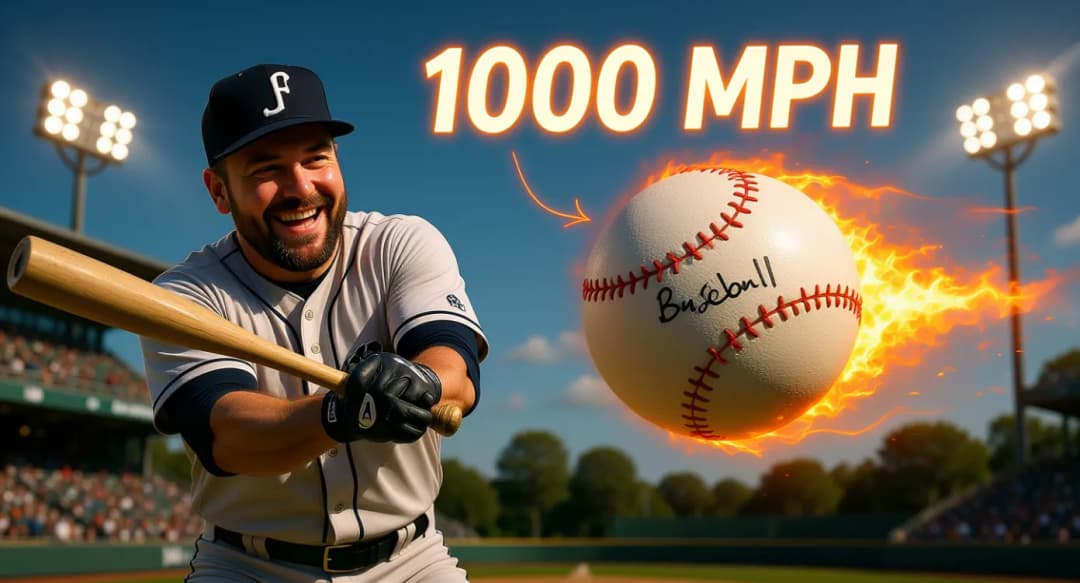
Describe your idea in a few words and let the AI bring your sketch to life with the right colors, lighting, and layout for YouTube performance.

Thumbnail Sketch Image
Sketch to Thumbnail Image

From Rough
To Professional

Transform simple sketches into polished, click-worthy thumbnails. The AI understands your rough layout and fills in the details with professional-grade visuals.

Generated Thumbnail
ThumblifyAI AI Editing Image

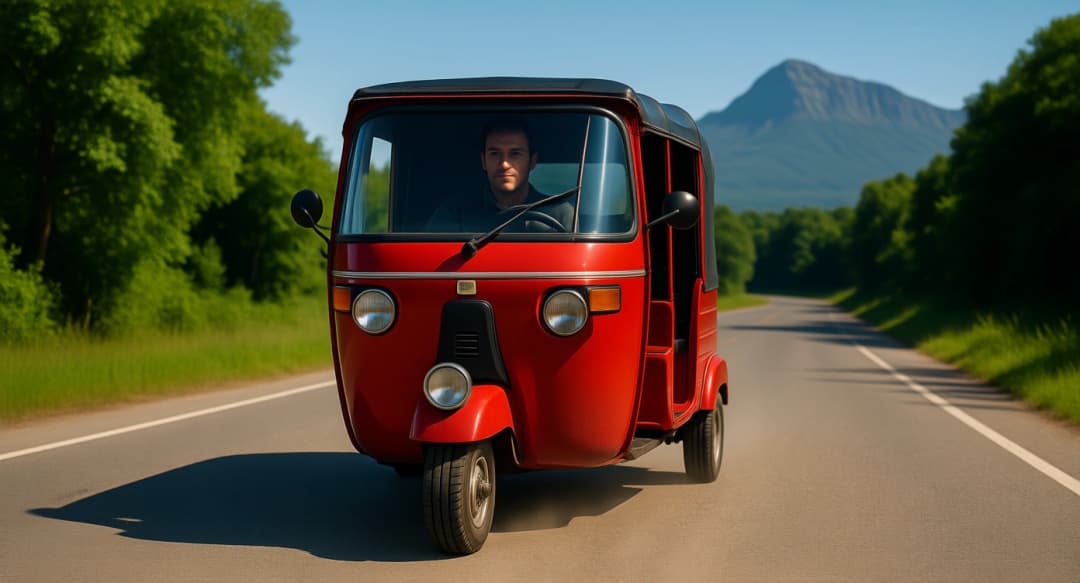
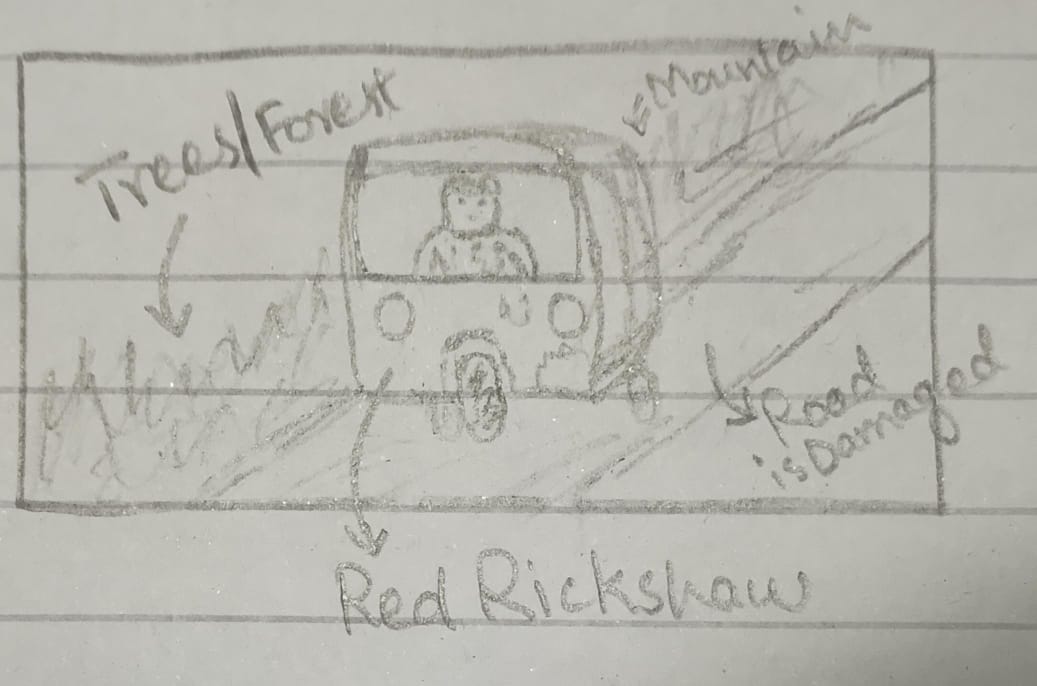
Thumbnail of a rickshaw on a busy road with vibrant street scene...

Your Vision
Brought to Life

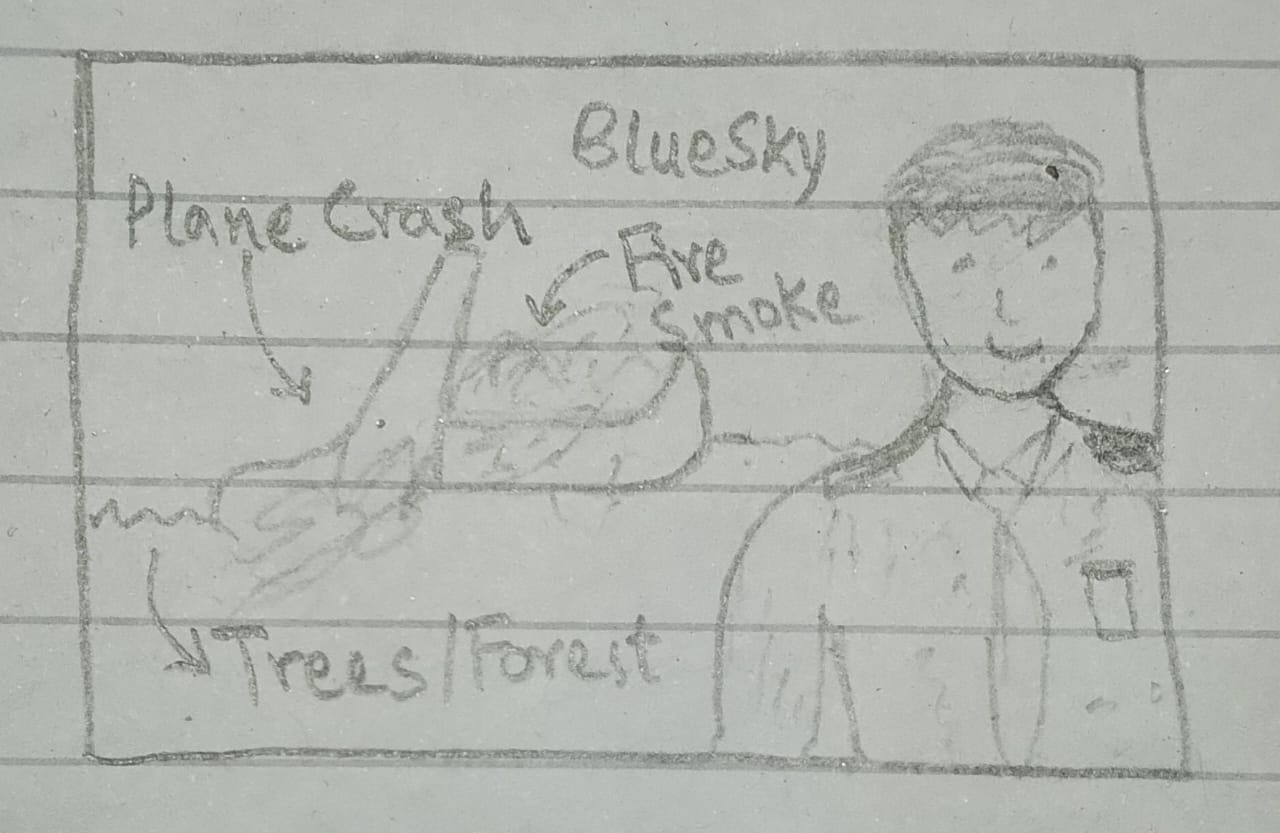
Sketch your thumbnail idea and watch it become reality. The AI respects your composition while adding professional touches that make your thumbnails stand out.

Generated Thumbnail
ThumblifyAI AI Editing Image

Thumbnail of a plane crash scene with dramatic lighting and intense colors...

How Sketch to Thumbnail Works

ThumblifyAI's Sketch to Thumbnail feature transforms your rough sketches into professional thumbnails by understanding your layout and enhancing it with AI-powered visuals.

1

Upload or Draw Your Sketch

Draw your thumbnail idea directly on ThumblifyAI or upload an existing sketch. Even rough outlines work perfectly.

2

Add Your Prompt

Describe what you want your thumbnail to look like. The AI uses your sketch as a guide and your prompt to fill in the details.

3

Get Your Pro Thumbnail

The AI transforms your sketch into a polished, professional thumbnail with proper colors, lighting, and composition optimized for YouTube.


Loading...

Your Questions, Answered

You'll find all the answers below.

Give your content
the thumbnail it deserves

Try ThumblifyAI without monthly subscription.
Pay once for AI credits and create thumbnails on your terms.