
•3 min read
How to Train AI on Your Style for Custom YouTube Thumbnails
Learn how to train ThumblifyAI on your unique thumbnail style to create consistent, high-quality YouTube thumbnails in seconds

Ali Zaid
@heyalizaid
AIThumbnailsYouTubeLevels Style ThumbnailTrain AI on StyleStyle
Train AI on Your Style and Create Consistent YouTube Thumbnails
Creating thumbnails that match your style consistently is hard.
Design tools like Canva or Photoshop take time.
Hiring designers gets expensive fast.
And generic templates make your channel look forgettable.
With ThumblifyAI’s style training feature, you can train AI on your unique thumbnail style and generate consistent, on-brand thumbnails in seconds.
This guide walks you through how to train ThumblifyAI on your style, step by step.
Step 1: Prepare Your Style Images
To train AI on your style, you will need a set of reference images that represent the look you want to replicate.
These can include:
- Your past YouTube thumbnails
- Designs with consistent colors, fonts, and layout
- Any visual style you want the AI to learn
- Clear and high quality
- Visually consistent
- Representative of the style you actually want to reuse
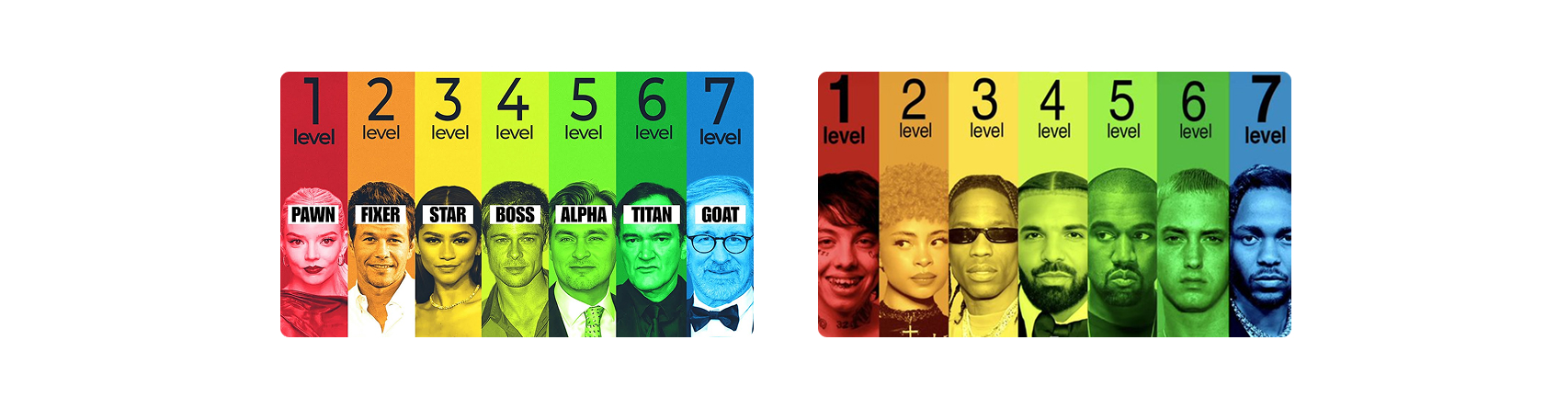 You can start with as few as three images, but for best results, use 3 to 5 style images.
Images help the AI better understand patterns like composition, color balance, and typography.
You can start with as few as three images, but for best results, use 3 to 5 style images.
Images help the AI better understand patterns like composition, color balance, and typography.
Step 2: Train Your AI on Your Style
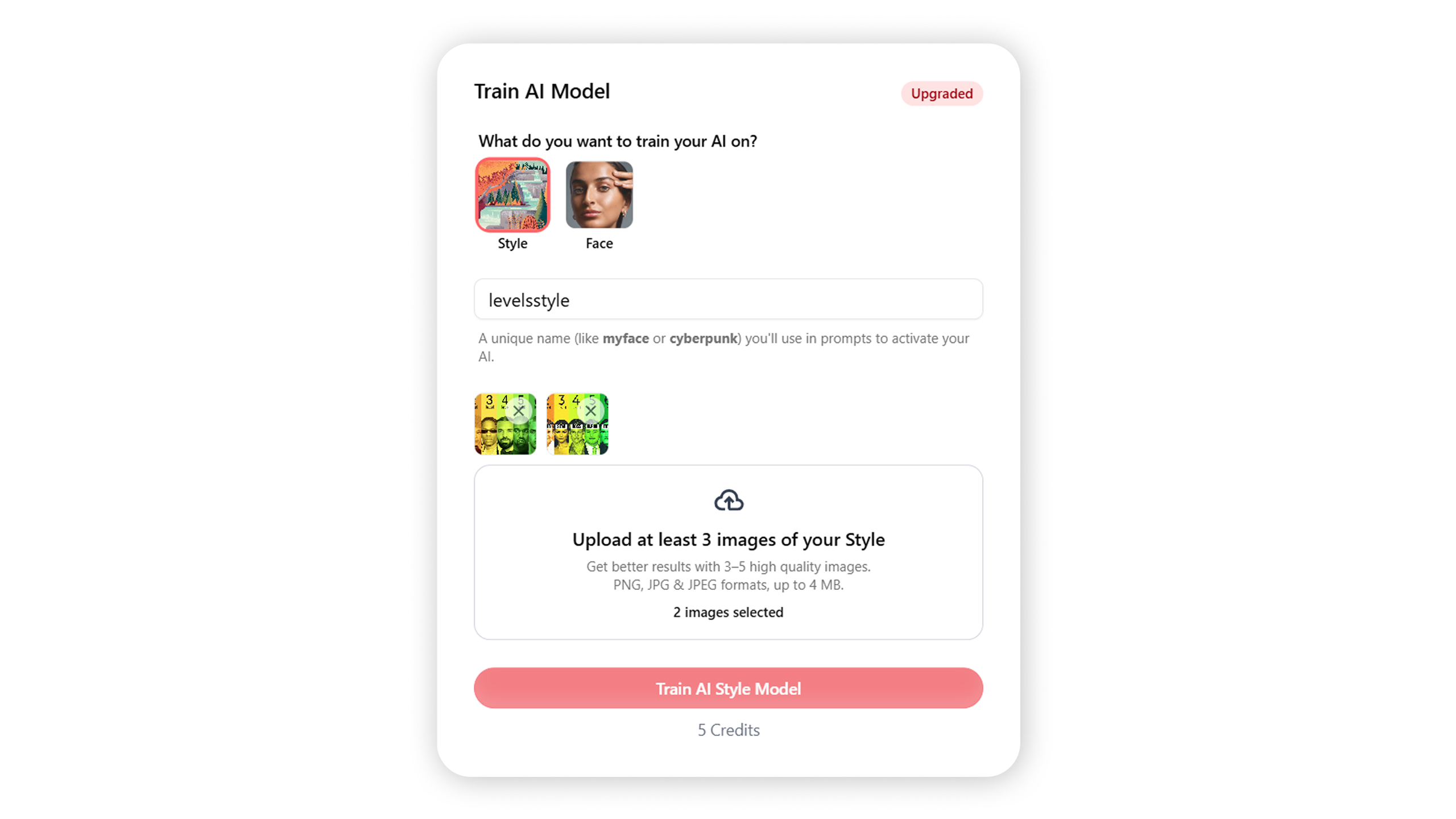
Next, log in to ThumblifyAI and go to the Train AI section. Click Train AI Model and select the Style option. Give your style a unique name, for examplelevelsstyle or blenderstyle.
This name acts as a trigger word you will use later in prompts.
Upload the style images you prepared.
ThumblifyAI will analyze:
- Layout structure
- Color usage
- Visual hierarchy
- Overall design patterns
Choosing a good trigger word
Keep these rules in mind:- Use a unique word or phrase
- Avoid common words like
styleordesign - Do not reuse trigger words from other models
- Case sensitivity is optional, but consistency matters
Step 3: Start Training
Once your images are uploaded, click Start Training.Thanks to the latest upgrade, style training now completes in seconds instead of minutes. You will get faster results with significantly improved quality and consistency.
Your style model is private. Uploaded images are not reused and are deleted after training completes.
After training finishes, your style model is ready to use instantly.
You Are All Set 🔥: Use Your Trained Style Model
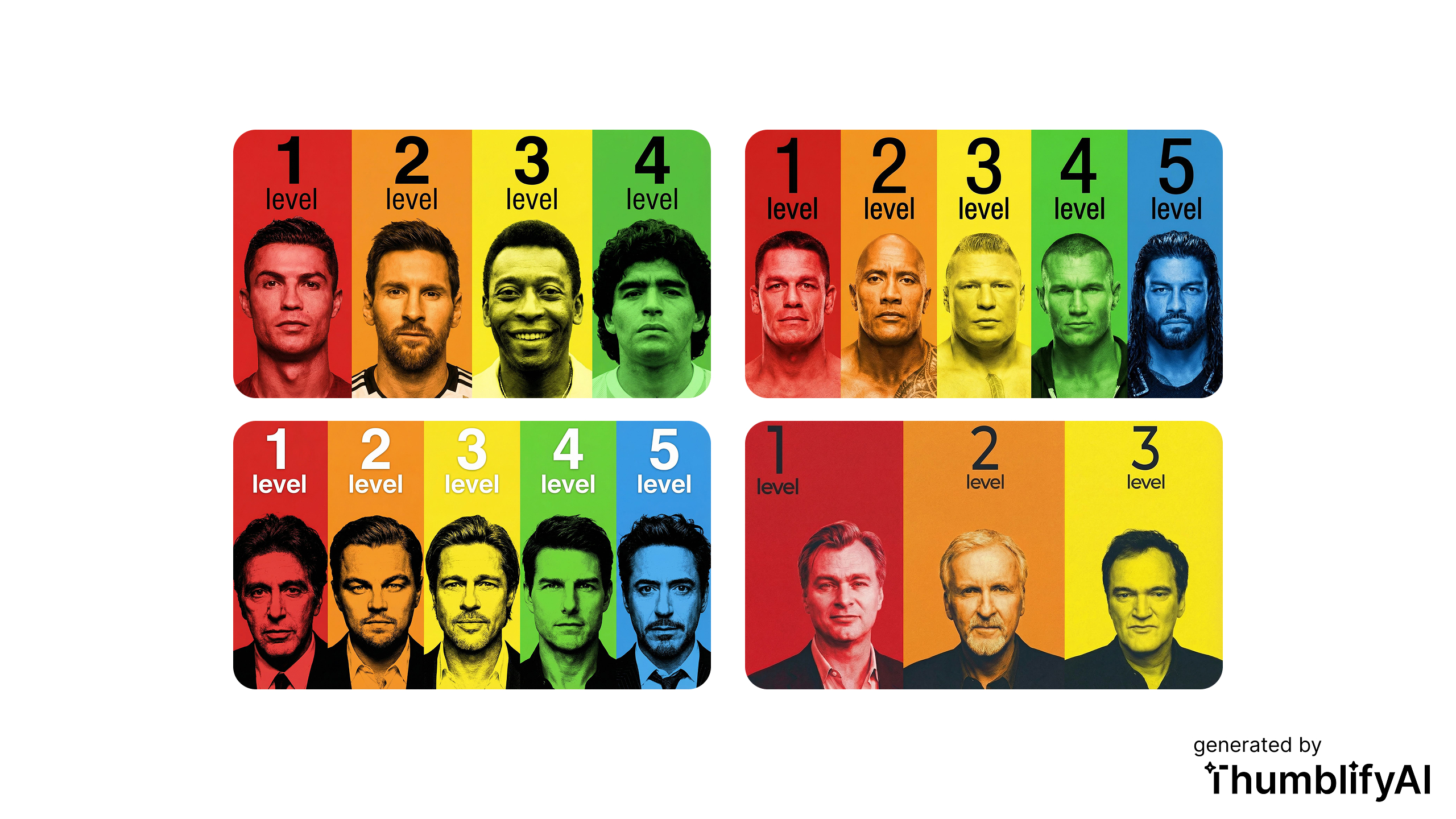
Your trained AI style can now be used to generate thumbnails that stay visually consistent across your channel. Log in to ThumblifyAI, go to the Generate Page, Select your style trained ai from My AI, and use your trigger word in the prompt to activate your style. You can now:- Maintain a consistent brand look
- Generate thumbnails faster
- Avoid generic designs
Have fun and get clicks with ThumblifyAI
Now that you have your own trained style model, creating professional thumbnails becomes fast and repeatable. Just your style, on demand.Experience consistent, AI-powered thumbnails built around your brand. Try ThumblifyAI and level up your YouTube visuals today.